The TWZ Access Control System is a powerful WordPress plugin designed to help you manage and monetize API-based services with ease. Whether you’re offering an AI tool, data API, SaaS utility, or subscription-based digital product, this system gives you full control over API access, usage tracking, and quota enforcement — all deeply integrated with WooCommerce.
✅ Key Features:
API Key Generation & Validation
Automatically issue secure API keys to users after WooCommerce purchase. Validate keys for every request.
Per-Request Usage Tracking
Log every API call with details like user, product, service, and request date — organized monthly for easy reporting.
Usage Quotas & Limits
Set maximum usage per pricing tier using a custom price matrix. Automatically block further access when limits are reached.
Alert Thresholds & Email Notifications
Let users set personal usage alerts. When thresholds are hit, they’re notified instantly via email.
REST API for Developers
Built-in /twz/v1/usage REST endpoint for logging and querying usage. Works seamlessly with any frontend or backend API service.
Admin Control Panel
Manage services, assign API keys, track active users, and view request logs from a clean, intuitive WordPress dashboard.
Multi-Service Support
Run multiple API services under a single system — ideal for platforms offering various products or data endpoints.
🛠️ Use Case Examples:
AI or ML API services with subscription tiers.
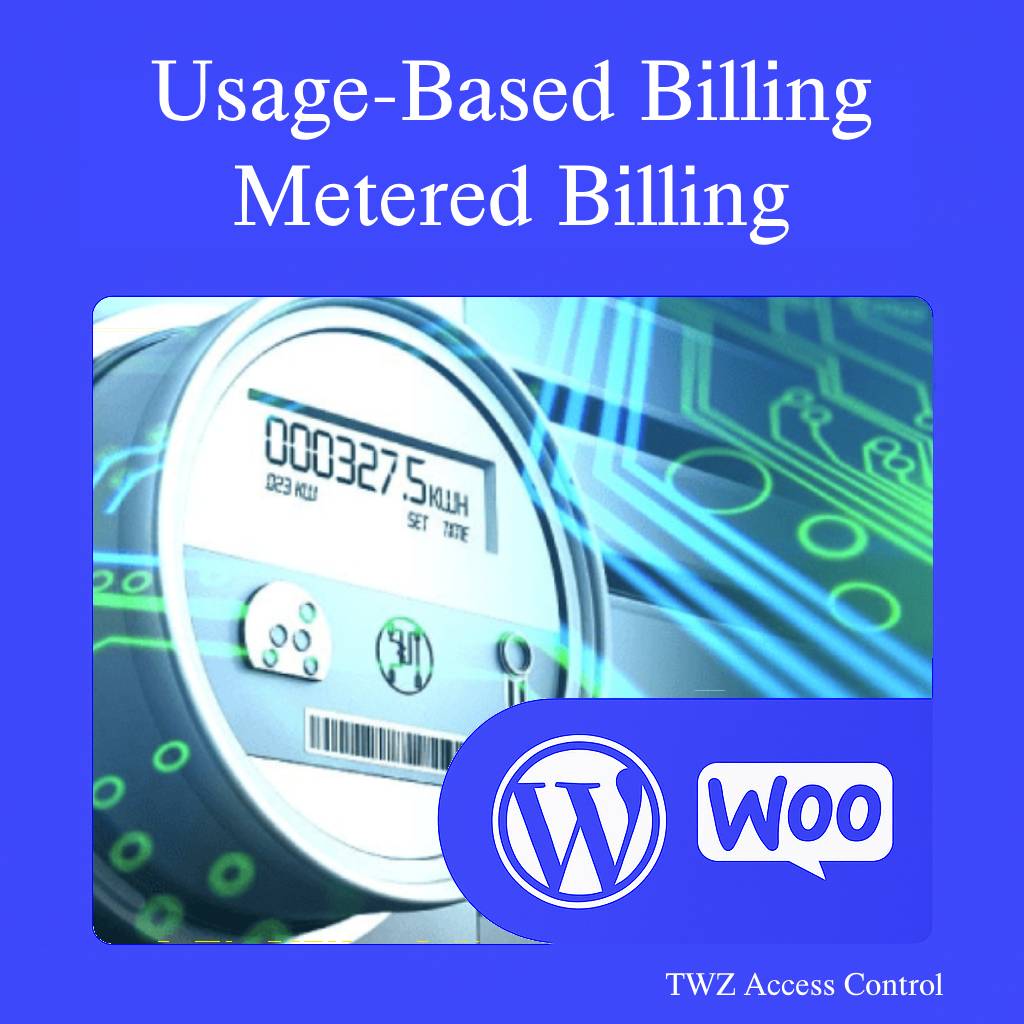
Metered usage APIs with custom billing.
Digital tools that require request limits per customer.
Freelancers and agencies offering client-specific APIs.
This plugin is developer-ready, fully customizable through WordPress hooks and filters, and scalable for growing projects.
The TWZ Access Control System is a powerful and flexible WordPress plugin designed for developers and businesses that need to monitor, limit, and monetize API usage. Here’s a detailed look at its standout features:
✅ Easy API Access Control
Generate unique API keys for users and service providers.
Protect your endpoints using a secure token-based system.
Link API keys with specific WooCommerce products and services.
📊 Real-Time Usage Tracking
Automatically logs API usage per user, per product, per month.
Track how many times each user consumes your API services.
Visual and structured usage reports through custom post types.
⚠️ Alert & Limit Management
Set monthly usage thresholds per user.
Automatically send email alerts when usage reaches defined limits.
Prevent overuse by enforcing hard usage caps with optional blocking logic.
🛒 WooCommerce Integration
Link subscriptions or product purchases to API access.
Assign API usage quotas based on purchased plans.
Supports metered and subscription-based billing strategies.
🔧 Developer-Friendly Architecture
Built with extendable hooks and filters.
Easily integrate with your custom APIs, plugins, or services.
Fully REST-compatible and tested with popular WordPress development stacks.
🔐 Security & Authorization
Validates both provider and user API keys for secure communication.
Ensures API requests are only allowed for valid, active subscriptions.
🧩 Modular & Scalable
Designed with CPTs (Custom Post Types) for logs, subscriptions, and usage.
Easily extend to add more features like analytics, rate limiting, or billing.
You can install the TWZ Access Control plugin in two easy ways: Automatically via your WordPress dashboard or Manually via FTP.
Automatic Installation (Recommended)
Download the plugin ZIP file from our official website or your account dashboard.
In your WordPress admin panel, go to Plugins > Add New.
Click on the “Upload Plugin” button at the top.
Choose the ZIP file you downloaded and click “Install Now.”
Once installed, click “Activate” to enable the plugin on your website.
Manual Installation
Unzip the downloaded file.
Upload the entire plugin folder (twz-access-control) to your server via FTP:
Go to your WordPress dashboard.
Navigate to Plugins > Installed Plugins.
Locate TWZ Access Control and click “Activate.”
[pgc_simply_gallery id="6818"]
Technical Compatibility
This plugin is designed to work seamlessly with a wide range of WordPress and WooCommerce setups. Below is a breakdown of the technical requirements and compatibility features:
Minimum PHP version: 8.2.2
We recommend using the latest stable version of PHP for the best performance, security, and compatibility.
WordPress Version Required: 6.7.2 or higher
The plugin supports all modern versions of WordPress. If you're using an older version, we recommend updating to improve security and performance.
WooCommerce Version Required: 9.8.1 or higher
Compatible with WooCommerce versions 9.8.1 and above, including the latest releases. This ensures reliable integration with your online store.
Multisite Support: Yes
The plugin works on WordPress Multisite networks, making it ideal for developers managing multiple stores or sub-sites.
Languages Supported: English
The default language is English, but the plugin is built to support translations into other languages.
WPML Compatibility: Fully compatible
Works seamlessly with WPML (WordPress Multilingual Plugin), so you can create product tabs in multiple languages for global audiences.
Translation Ready: Yes
Includes a .pot file for easy translation using tools like Poedit or Loco Translate. Perfect for international or multilingual websites.
Supported Regions: Worldwide
This plugin is designed for global use, making it suitable for stores targeting customers from any country.


Reviews
There are no reviews yet.