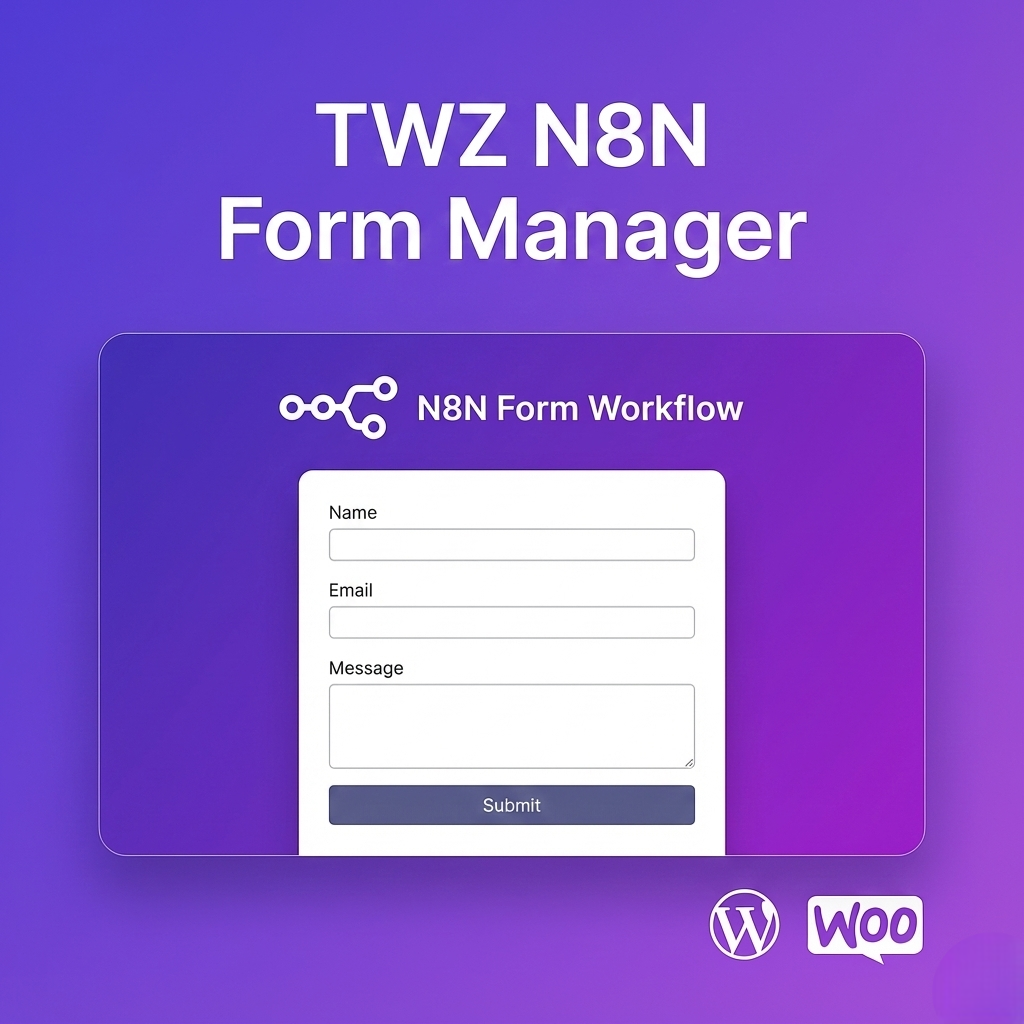
TWZ N8N Form Manager

$25.00

Easily manage, embed, and automate n8n forms in WordPress. Supports file uploads, preserves n8n styles/scripts, and enables advanced workflow automation

Category:

TWZ N8N Form Manager lets you effortlessly embed and manage multiple n8n forms within your WordPress site. Designed for advanced workflow automation, this plugin preserves the original n8n form styling and JavaScript, supports secure file uploads, and displays native n8n success messages or redirects after submission.

Key Features:

  • Manage and embed any n8n form via shortcode
  • Full file upload support
  • Preserves n8n form styles and scripts
  • Displays n8n’s native thank-you message or redirects after submission
  • Admin UI for managing multiple forms
  • Secure: uses WordPress nonces and file handling

Perfect For:

  • Automating business processes with n8n and WordPress
  • Collecting data, files, or feedback via custom forms
  • Integrating n8n workflows directly into your website

Usage:
After installation, go to the plugin settings to add and configure your n8n forms. Use the [n8n-form-manager post_id="123"] shortcode in any post or page to display a form (replace 123 with your form post ID).
DEALWEEK

SUBSCRIBE AND GET 20% OFF YOUR NEXT ORDER! OFFER ENDS SOON - DON’T MISS OUT!

We don’t spam! Read our privacy policy for more info.

The TWZ WooCommerce Buy Now Buttons plugin provides powerful features that help improve customer experience and drive conversions:

  • Skip Cart Page
    Automatically redirects customers from the product page to the checkout, reducing the number of clicks required to complete a purchase.

  • Add “Buy Now” Button Next to Add to Cart
    Show both buttons at the same time — giving customers a choice between browsing more or buying instantly.

  • Fully Customizable Button Text & Style
    Personalize the “Buy Now” button with your own text, color, size, border, and hover styles to match your theme.

  • Support for Simple & Variable Products
    Works seamlessly with both simple and variable product types in WooCommerce.

  • Choose Redirect Location
    Redirect users to the checkout, cart, or any custom URL based on your strategy.

  • Mobile Friendly & Responsive
    Optimized for all devices — ensure a smooth checkout experience on desktops, tablets, and smartphones.

  • No Coding Required
    Simple settings panel in your WordPress dashboard. No coding or theme editing needed.

  • Compatible with Popular Themes & Plugins
    Designed to work out-of-the-box with most WooCommerce-compatible WordPress themes and plugins.

You can install the TWZ N8N Form Manager plugin in two easy ways: Automatically via your WordPress dashboard or Manually via FTP.


Automatic Installation (Recommended)

  1. Download the plugin ZIP file from our official website or your account dashboard.

  2. In your WordPress admin panel, go to Plugins > Add New.

  3. Click on the “Upload Plugin” button at the top.

  4. Choose the ZIP file you downloaded and click “Install Now.”

  5. Once installed, click “Activate” to enable the plugin on your website.


Manual Installation

  1. Unzip the downloaded file.

  2. Upload the entire plugin folder (twz-n8n-form-manager) to your server via FTP:

    • Navigate to your WordPress installation directory.

    • Upload the folder to: /wp-content/plugins/

  3. Go to your WordPress dashboard.

  4. Navigate to Plugins > Installed Plugins.

  5. Locate N8N Form Manager and click “Activate.”

Technical Compatibility

This plugin is designed to work seamlessly with a wide range of WordPress and WooCommerce setups. Below is a breakdown of the technical requirements and compatibility features:

  • Minimum PHP version: 8.2.2
    We recommend using the latest stable version of PHP for the best performance, security, and compatibility.

  • WordPress Version Required: 6.7.2 or higher
    The plugin supports all modern versions of WordPress. If you're using an older version, we recommend updating to improve security and performance.

  • WooCommerce Version Required: 9.8.1 or higher
    Compatible with WooCommerce versions 9.8.1 and above, including the latest releases. This ensures reliable integration with your online store.

  • Multisite Support: Yes
    The plugin works on WordPress Multisite networks, making it ideal for developers managing multiple stores or sub-sites.

  • Languages Supported: English
    The default language is English, but the plugin is built to support translations into other languages.

  • WPML Compatibility: Fully compatible
    Works seamlessly with WPML (WordPress Multilingual Plugin), so you can create product tabs in multiple languages for global audiences.

  • Translation Ready: Yes
    Includes a .pot file for easy translation using tools like Poedit or Loco Translate. Perfect for international or multilingual websites.

  • Supported Regions: Worldwide
    This plugin is designed for global use, making it suitable for stores targeting customers from any country.

Reviews

There are no reviews yet.

Be the first to review “TWZ N8N Form Manager”

Your email address will not be published. Required fields are marked *

Shopping Cart