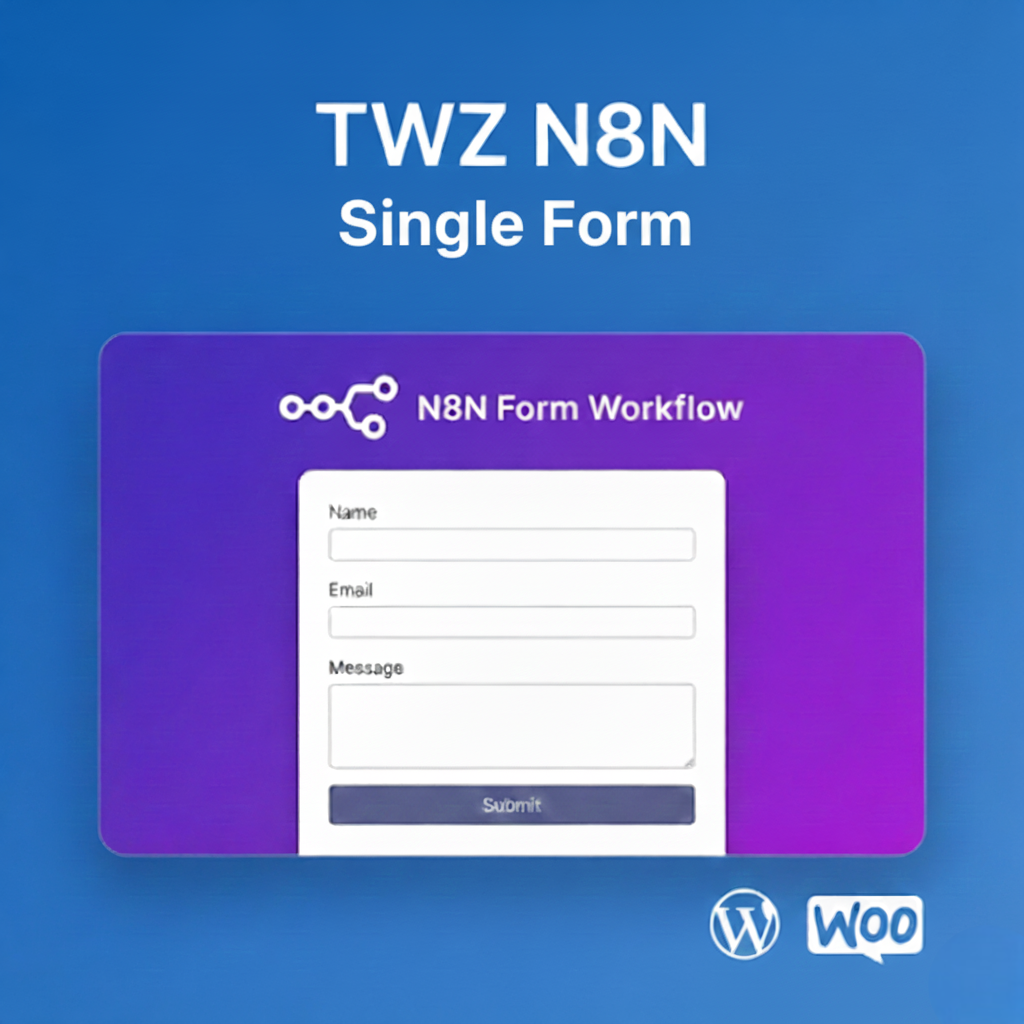
TWZ N8N Form is a simple WordPress plugin that allows you to integrate one n8n form endpoint into your WordPress site.
Perfect for users who need a single, reliable form integration without complex builders or heavy form plugins.
Key Features
🧩 Connect one n8n form to WordPress
📩 Send form submissions directly to n8n
🔐 Secure request handling
⚡ Lightweight & fast
🛠 Easy setup, no coding required
Use Cases
Usage:
After installation, use the [n8n_form] shortcode in any post or page to display a form.
Important Note
This plugin supports only one n8n form endpoint.
For advanced or multiple N8N form integrations, a separate solution is recommended TWZ N8N Form Manager.
The TWZ N8N Form plugin provides powerful features that help improve customer experience and drive conversions:
Mobile Friendly & Responsive
Optimized for all devices — ensure a smooth checkout experience on desktops, tablets, and smartphones.
No Coding Required
Simple settings panel in your WordPress dashboard. No coding or theme editing needed.
Compatible with Popular Themes & Plugins
Designed to work out-of-the-box with most WooCommerce-compatible WordPress themes and plugins.
You can install the TWZ N8N Form plugin in two easy ways: Automatically via your WordPress dashboard or Manually via FTP.
Automatic Installation (Recommended)
Download the plugin ZIP file from our official website or your account dashboard.
In your WordPress admin panel, go to Plugins > Add New.
Click on the “Upload Plugin” button at the top.
Choose the ZIP file you downloaded and click “Install Now.”
Once installed, click “Activate” to enable the plugin on your website.
Manual Installation
Unzip the downloaded file.
Upload the entire plugin folder (twz-n8n-form) to your server via FTP:
Go to your WordPress dashboard.
Navigate to Plugins > Installed Plugins.
Locate N8N Form and click “Activate.”
Technical Compatibility
This plugin is designed to work seamlessly with a wide range of WordPress and WooCommerce setups. Below is a breakdown of the technical requirements and compatibility features:
Minimum PHP version: 8.2.2
We recommend using the latest stable version of PHP for the best performance, security, and compatibility.
WordPress Version Required: 6.7.2 or higher
The plugin supports all modern versions of WordPress. If you're using an older version, we recommend updating to improve security and performance.
WooCommerce Version Required: 9.8.1 or higher
Compatible with WooCommerce versions 9.8.1 and above, including the latest releases. This ensures reliable integration with your online store.
Multisite Support: Yes
The plugin works on WordPress Multisite networks, making it ideal for developers managing multiple stores or sub-sites.
Languages Supported: English
The default language is English, but the plugin is built to support translations into other languages.
WPML Compatibility: Fully compatible
Works seamlessly with WPML (WordPress Multilingual Plugin), so you can create product tabs in multiple languages for global audiences.
Translation Ready: Yes
Includes a .pot file for easy translation using tools like Poedit or Loco Translate. Perfect for international or multilingual websites.
Supported Regions: Worldwide
This plugin is designed for global use, making it suitable for stores targeting customers from any country.




Reviews
There are no reviews yet.